

AI Coalition Companion
An AI companion you can talk to
Choose a character, speak naturally, and pick up your conversations where you left off.
$9.00 USD a month · renews automatically · cancel any time · no free trial
Meet the companions
Friends to talk to, coaches and advisors, story characters, and historical figures whose history is kept apart from what is imagined. Read about any of them before you start.
Historical figure
Historical figures
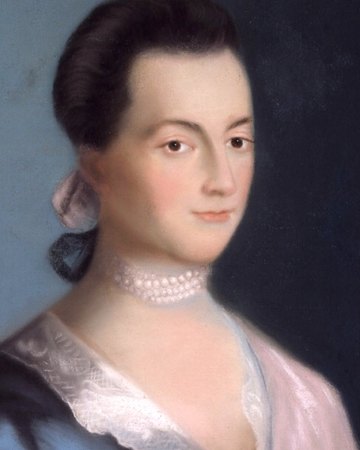
Abdus Salam
Born 1926 · Died 1996 · Science & mathematics · South & Southeast Asia
 Historical figure

Bible study leaders & ministers
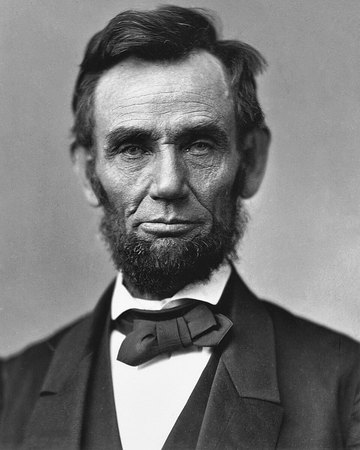
Abigail Fenwick
Bible study leader specializing in James and Paul on faith and works.
 Historical figure
 Historical figure
s
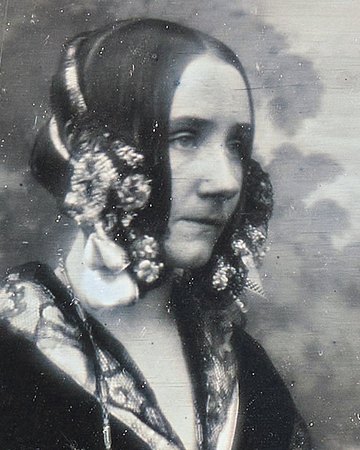
Abu Bakr al-Razi
Born c. 866 · Died c. 925 · Medicine & public health · Middle East & North Africa
 Historical figure

Learn with a Companion tutor
Practice rhyming with Ada, compare fractions with Maris, or show Celeste a homework assignment and ask for a hint.
How it works
Three steps from here to your first conversation.
-
Step 1
Create your account
Register with your email and confirm it.
-
Step 2
Subscribe for $9.00 a month
Pay securely through Stripe. We never see or store your card number.
-
Step 3
Start talking
Your companion turns on as soon as your first payment is confirmed.
Use the AI you choose
The companion app brings the characters and voices. You choose the AI behind them: a model that runs on your own computer, or Copilot, Claude or ChatGPT. Either way, see what your PC needs below.
A local model on your PC
Your conversation stays on your computer. The app finds the chat models you already have and lists them under Options → Models.
- Ollama: any model you have installed. You can also download a new one from inside the app by its name, such as
qwen3:4b. - Hermes: models in your Hermes models folder, run with the llama.cpp server that comes with Hermes.
- Hugging Face: GGUF models already in your Hugging Face cache, or download a GGUF file from a public repository from inside the app. The app checks each download before using it.
- LM Studio and llama.cpp: GGUF models you have downloaded with either one.
To use GGUF files, the app needs llama.cpp's llama-server, either the copy that comes with Hermes or one you installed. The camera feature needs an Ollama vision model.
Copilot, Claude or ChatGPT
Prefer an assistant you already use? Choose it under Options → Models, then Use for chat.
- Type your message, or say it into the companion's microphone.
- Copy it, then open Copilot, Claude or ChatGPT. The companion can open its desktop app or website for you.
- Send it there, copy the reply, and paste it back. Your character can read the reply aloud in their own voice.
You sign in to those services with your own account, under their own terms. The companion never signs in for you and sends nothing to them by itself. Copilot, Claude and ChatGPT belong to Microsoft, Anthropic and OpenAI, which are not connected with AI Coalition.
Computer requirements
The companion is a Windows program. What it needs depends on whether you run an AI model on your own PC or use Copilot, Claude or ChatGPT.
Minimum
Without a local model (Copilot, Claude or ChatGPT)
These are the minimums the installer checks before it installs.
- Windows: Windows 10 version 1809 or later, or Windows 11.
- Processor: 64-bit (x64) Intel or AMD, with at least 4 logical processors.
- Memory: 8 GB of RAM.
- Graphics: Direct3D 11 hardware, or Windows software rendering.
- Disk: about an 820 MB installer download and at least 3 GB of free disk space for a standard installation.
- Voice: a microphone, and speakers or headphones.
- Internet: a connection to link the PC and, for this option, to use the online assistant with your own account.
Speech recognition and the characters' voices run on the PC itself, so they work offline.
Recommended
With a local model (Ollama, Hermes, Hugging Face, LM Studio)
Everything in the first column, plus the following. This is guidance: the model you pick sets its own requirements.
- Memory: 16 GB recommended. Small models of around 4 billion parameters, such as
qwen3:4b(about a 2.5 GB download), can run in 8 GB but respond more slowly. - Disk: extra space for models, about 2.5–5 GB each for small and mid-size models.
- Graphics: an NVIDIA graphics card with 6 GB or more of video memory is optional but makes replies much faster. Without one, models run on the processor.
- Internet: none needed for chat once a model is downloaded. Conversations stay on the PC.
- Windows only for now: there is no Mac, Linux or phone app yet.
- Setup checks memory, processor and graphics before it installs, and says what is missing.
- The optional NVIDIA Whisper pack is a separate download of about 1.7 GB. Save it beside Setup to speed up voice recognition on a PC with a compatible NVIDIA driver.
Billing, plainly
- What does it cost?
- $9.00 USD a month, charged automatically on the same day each month. There is no free trial: the companion starts after your first payment goes through.
- What if a payment fails?
- Your companion pauses and we email you. Update your card and it turns back on by itself, with your characters, preferences and conversations kept.
- How do I cancel?
- From your companion account, at any time. You keep your companion until the end of the month you have paid for, and you are not charged again.
- Where do I get receipts?
- Every payment and its receipt is listed in your companion account.
Know someone who'd love it? Join the affiliate programme →
Ready to start talking?
Pick a character, choose the AI behind it, and your companion is ready as soon as your first payment is confirmed.
$9.00 USD a month · renews automatically · cancel any time · no free trial